LudoKhelo
The free-to-play Ludo, Chess & Carrom club.
Chrome menu ⋮ → Install app / Add to Home screen dabao, ya neeche button dobara try karo.
iPhone / iPad: Share menu → Add to Home Screen.
A look inside
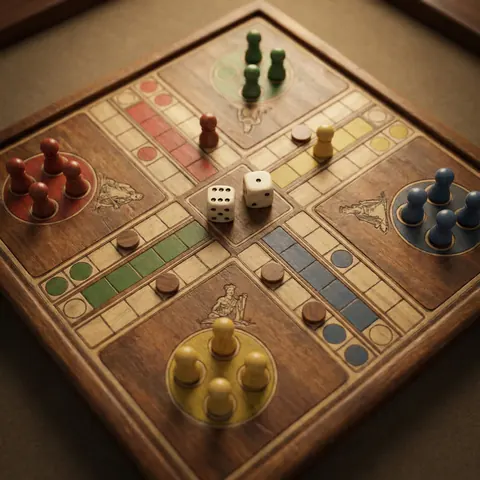
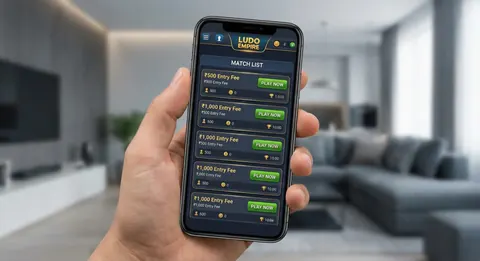


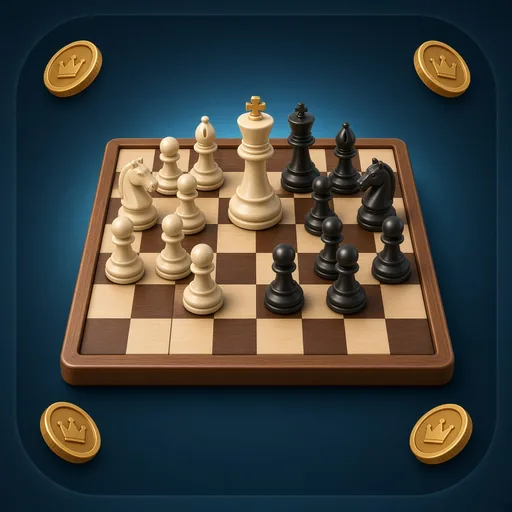
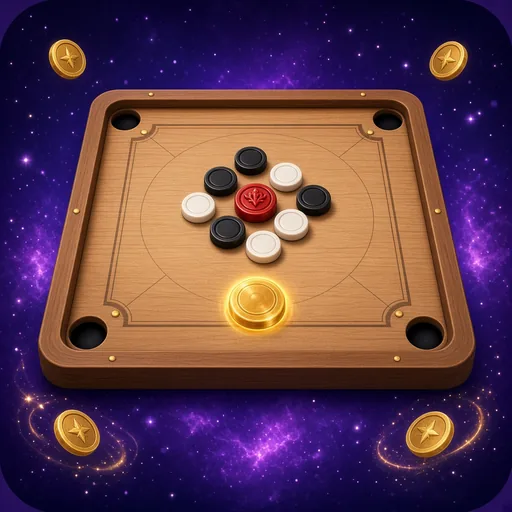
What you get
Classic Ludo, Points Ludo, Chess, Checkers, Carrom and more — one club, one login.
Invite friends with a room code and play private matches at your own pace.
Coins are earned by playing and from optional rewarded ads. Nothing needs to be bought.
Your favourites, sound settings and history stay on the device after install.
How to add it
- Tap “Add to home screen” above. If your browser asks for confirmation, choose Install.
- No prompt? Open the browser menu and pick Install app or Add to Home screen.
- Done. LudoKhelo opens from your home screen like any other app — no account fee, no APK file.
App details
LudoKhelo is a web app; the old Android APK build has been retired. Gold coins are in-app play tokens with no cash value — there are no deposits, purchases or withdrawals. Play responsibly. Read the free-to-play rules, responsible play and terms.